MasterLoop writes the whole loop.
A MIDI loop composer VST3 plug-in. One press creates linked chords, bass, arp and melody, then hands you a full piano roll to make it yours. It makes no sound of its own, so every loop plays on the instruments you already own.
$49.90 one-time · Windows & macOS · VST3 · Secure checkout by Creem
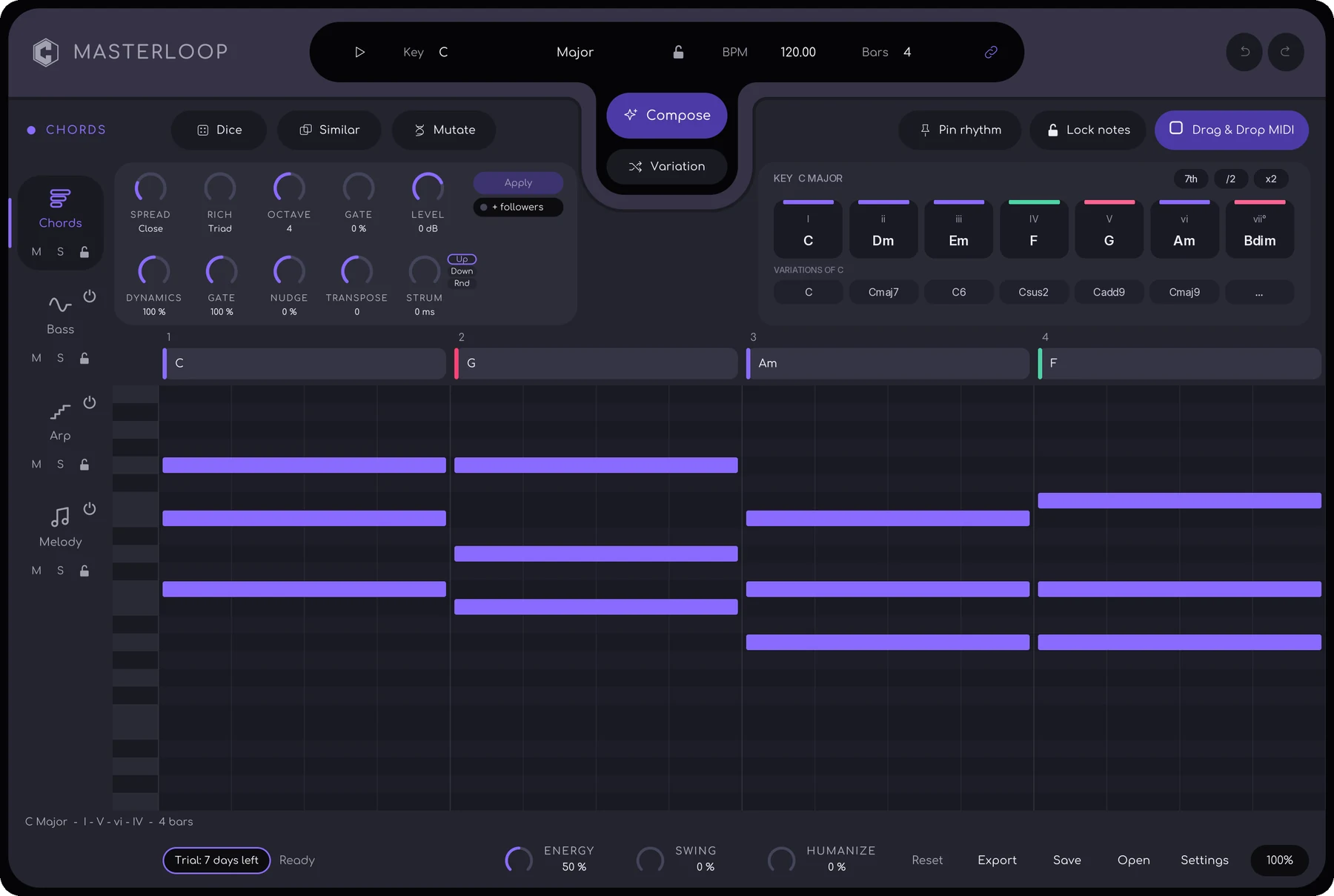
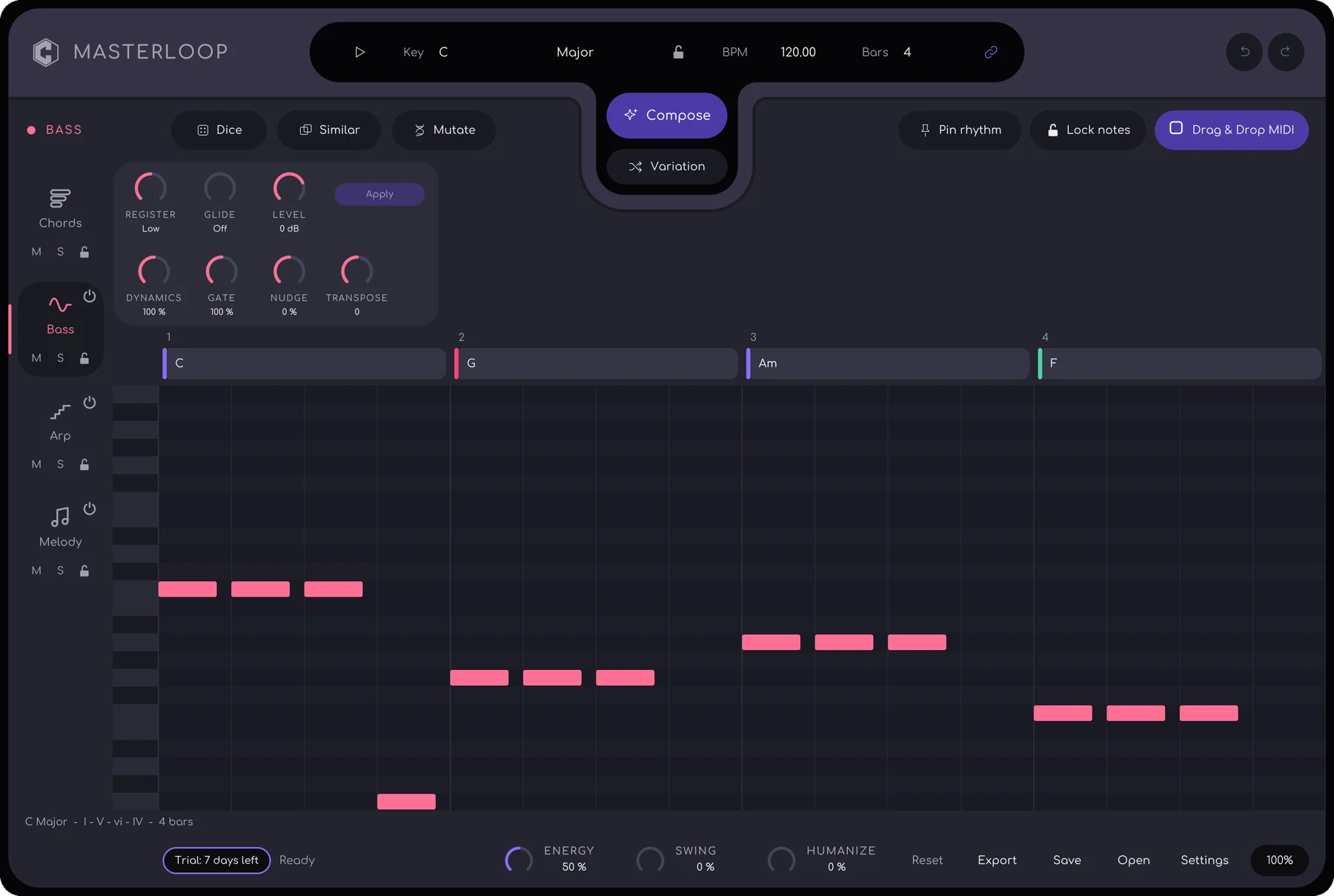
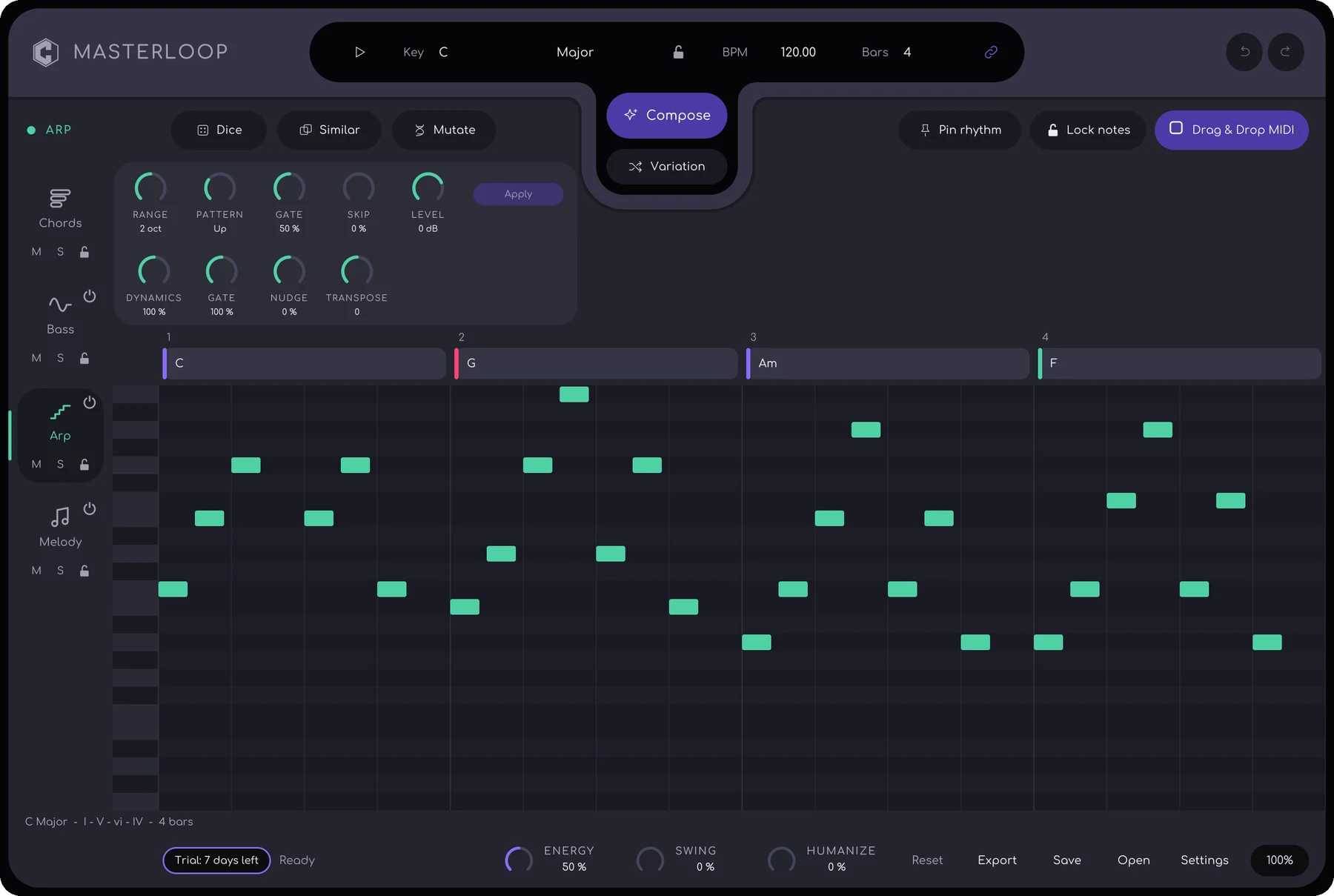
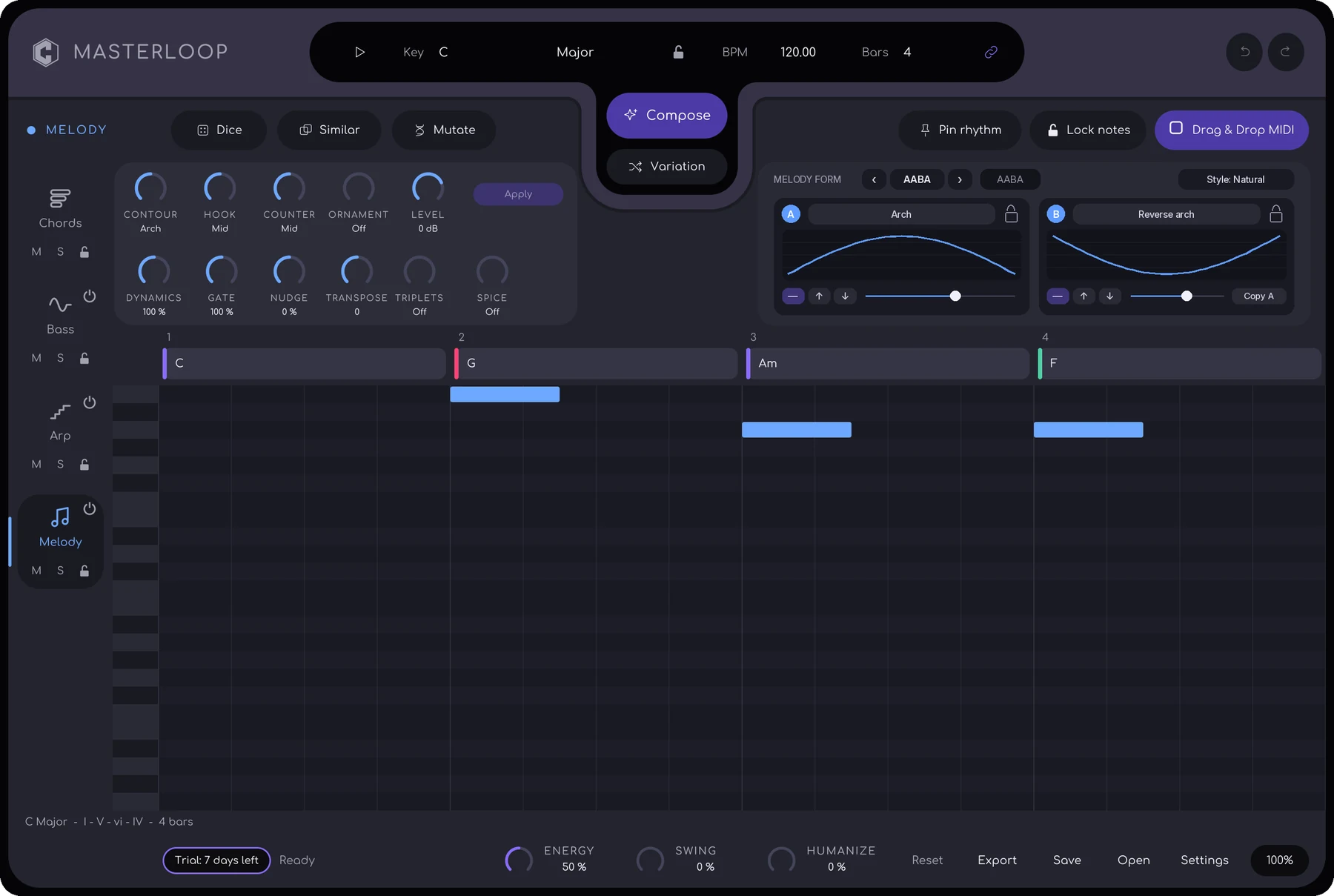
The harmonic base. Spread, Rich, Octave, Gate and Level shape the voicing, and a palette of diatonic chords lets you drag your own progression onto the ruler.
Four layers, one idea.
Chords, Bass, Arp and Melody share one plan: key, progression, rhythm, motif and energy. The last bar leads back into bar 1, so the loop restarts without a seam.
Built to be edited
A full piano roll sits at the centre. Draw, move, resize and lock notes. Everything you place steers the other layers.
Control without chaos
Six focused knobs per layer, a tweak row that writes straight into the notes, and Apply to re-voice a layer on the same rhythm.
New ideas on demand
Compose writes a new loop. Variation makes small changes. Dice, Similar and Mutate give a layer a new rhythm. Undo steps back through all of it.
Drag, drop, done
Drag any layer onto a DAW track as a MIDI clip, or export the whole loop as a .mid file with one track per layer.
Made for any DAW
Each layer has its own MIDI channel. In hosts that merge channels, like Ableton Live, Hub + Parts feeds four instruments from one composer.
Set it up your way.
Three routing modes cover every host. Playback always follows your DAW transport and tempo.
Single instance
For Reaper, Bitwig Studio and Studio One. One MasterLoop sends four channels: Chords 1, Arp 2, Bass 3, Melody 4. Each instrument track listens to one.
Hub + Parts
For Ableton Live. One silent Hub composes, and up to four Parts in the same group each send one layer to its own synth.
Drag and drop
For any host, with no routing. Compose in MasterLoop, then drag a layer onto a track as a MIDI clip.
From empty project to first loop.
- Add MasterLoopLoad it on a MIDI or instrument track from your VST3 list.
- Send its MIDI to an instrumentMasterLoop makes no sound by itself.
- Press ComposeKey, chords, bass, arp and melody appear at once.
- Press playMasterLoop follows the host transport. Click a layer tab to edit it.
- Shape itUse Variation, the knobs and the tweak row, then drag the result into your arrangement.
Specifications
| Format | VST3, 64-bit (no Audio Unit) |
| Systems | Windows, macOS 11 or later |
| Type | MIDI generator, no audio |
| MIDI output | 16 channels; one channel per layer, or MPE |
| Layers | Chords, Bass, Arp, Melody |
| Loop length | 1, 2, 4, 8 or 16 bars |
| Files | .mlproj project, .mid export, drag-and-drop and import |
| Licence | One key, up to two of your computers |
Own MasterLoop.
One-time payment, no subscription. Taxes are calculated at checkout.
- 7-day free trial
- Licence key by email, instantly
- Works on two computers
Creem is our merchant of record and handles payment, VAT and invoices. See the refund policy. Questions? craftedhertz@gmail.com
Download and try it free.
Install MasterLoop, rescan plug-ins in your DAW, and press Start 7-day free trial in the welcome screen. Buy later and paste your key.
The installers are not yet code-signed or notarized, so the first run may show a security prompt. On Windows, click More info, then Run anyway. On macOS, open System Settings → Privacy & Security and click Open Anyway. MasterLoop installs to C:\Program Files\Common Files\VST3 on Windows and /Library/Audio/Plug-Ins/VST3 on macOS.
Questions
Does MasterLoop make sound?
No. MasterLoop is a MIDI generator and contains no synthesizer. It sends MIDI to the instruments you already own, so every loop uses your own sounds.
Which DAWs and formats are supported?
MasterLoop is a VST3 plug-in for Windows and macOS 11 or later. It works in Ableton Live, Reaper, Bitwig Studio, Studio One and other VST3 hosts. Hosts that load only Audio Units, such as Logic Pro, cannot load it.
How do I use it in Ableton Live?
Use Hub + Parts mode. One MasterLoop instance composes, and up to four small Part instances each send one layer to its own instrument. The setup takes four steps and is covered in the manual.
Can I drag the result into my project?
Yes. Drag any layer onto a DAW track as a MIDI clip, or export the whole loop as a .mid file with one track per layer.
Is there a free trial?
Yes. A full-featured 7-day trial starts only when you press the button inside the plug-in. Scanning plug-ins never starts it.
How many computers can I use?
One licence key activates on up to two of your computers. Deactivate an old machine in Settings to free the slot.
Does it work offline?
Yes. It needs the internet to activate and for an occasional licence refresh, roughly monthly. Your music and MIDI never leave your computer.
Contact Crafted Hertz
Licensing, installation, refunds or bug reports: write to us and we answer within 2 business days.
Email craftedhertz@gmail.com
Company Crafted Hertz
Products MasterLoop · KINETIC
Please include your plug-in version, your DAW and operating system, and a short description of what you did.
Policies
MasterLoop manual (PDF)
Setup, DAW routing and every control.
Terms of Use
Licence, trial and activation.
Privacy Policy
What the plug-ins and this site process.
Refund Policy
14-day review, handled through Creem.

Also from Crafted Hertz: KINETIC
A bass and low-end effect with micro-Doppler time warping and spring-mass rebound. VST3 and AU, with a 7-day free trial.
Explore KINETIC